Upgrade
- 4.4
- Rating
- 1.00M
- Installs
- Free
- Price

 Analysis by App-foxy
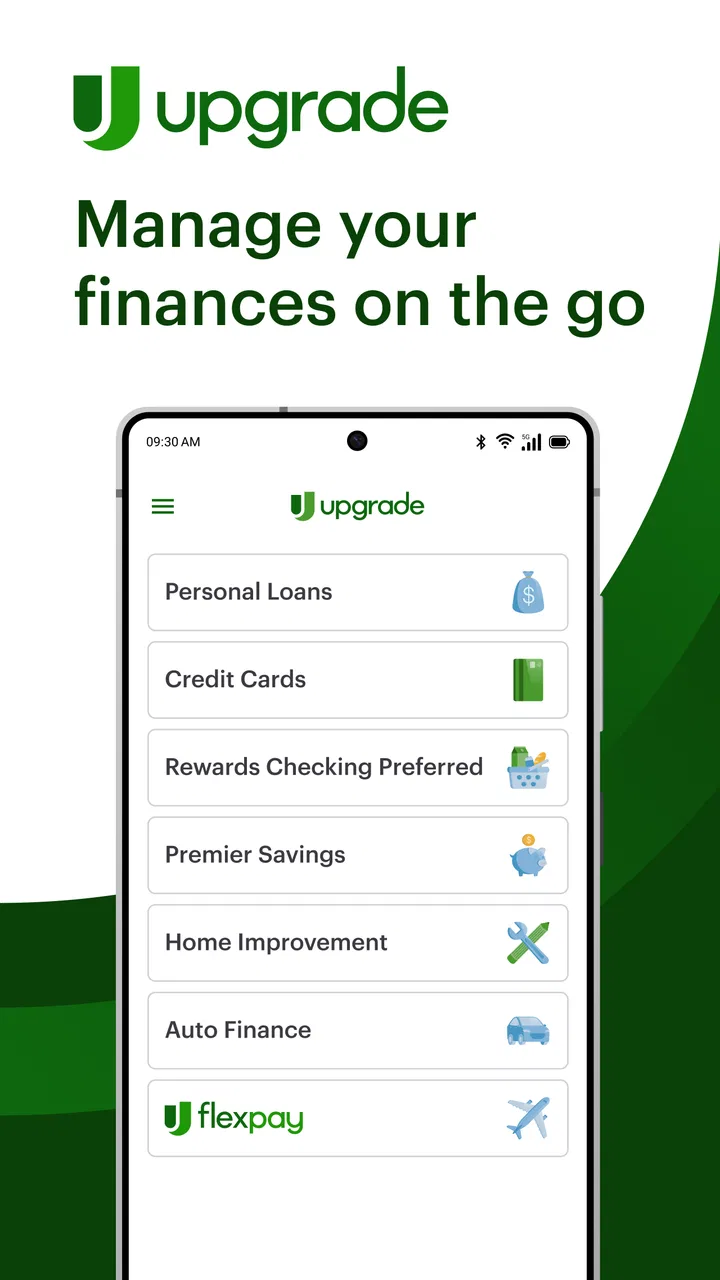
Managing borrowing, card spending, and everyday money in one place sounds convenient, but finance apps are only useful when they are clear at the moments that matter. After spending time with Upgrade, I found that its main appeal is the way it brings personal loans, cards, and rewards checking into one financial experience rather than treating each product as a separate destination. That makes it worth considering for someone who wants a single place to explore these services, although it also means the app deserves a more careful look than a simple budgeting tool.
Upgrade is a free finance app from Upgrade, Inc., available for Everyone and running on Android and iOS devices with a minimum operating system of 12. It has passed the early-adopter stage, with over a million installs, an average rating of 4.4 from around 30 thousand ratings, and roughly 3.8 thousand written reviews. Those figures suggest that many people find it useful, but they do not remove the need to check whether its borrowing and account products fit your own situation.
I would describe it as a product-management app first and a money-management companion second. The store summary focuses on personal loans, cards, and rewards checking, so the experience is aimed at people exploring or using Upgrade’s financial products. It is not the kind of app I would install expecting a full replacement for a traditional bank, a detailed investment dashboard, or a sophisticated household budgeting system.
You May Also Like

 AccuWeather: Weather Radar
AccuWeather Review: A Quick, Clear Forecast for Everyday Decisions
For everyday plans, the best forecast is the one you can understand quickly. AccuWeather makes rain timing, radar, and local conditions easy to act on, with a few trade-offs.

 Hill Climb Racing
Why Hill Climb Racing Still Turns Crashes Into One More Run
A tiny car, a bumpy hill and one more upgrade: Hill Climb Racing keeps resurfacing because its simple chaos makes every near-miss feel personal.

 AliExpress - Shopping App
AliExpress Makes Global Shopping Feel Personal, but Shoppers Bear the Risk
AliExpress turns a global marketplace into a pocket-sized discovery engine. Its reach is useful, its shopping loop compelling, and its trade-offs easy to miss.

 Lords Mobile: Kingdom Wars
Lords Mobile Is a Kingdom-Building Routine, Not a Quick Match
A case-by-case verdict on the building, battles, device demands, and social commitments that make Lords Mobile rewarding for some players and exhausting for others.

 PDF Scanner app - TapScanner
TapScanner Makes Paperwork Easier to Capture, Check, and Share
TapScanner makes scanning with a phone feel less like a rescue operation and more like a dependable step in getting work done. Its capture tools are useful, though not flawless.

 Block Blast!
Block Blast! Shows How Much a Puzzle Game Can Leave Out
A quiet grid game shows why puzzle players increasingly value instant clarity, repeatable skill and low-pressure play—and where the genre still needs to catch up.
More From Our News Desk
View All News


Getting past the points where setup usually feels difficult
I find setup much easier when I decide in advance which task I’m there to handle, then take time to read each screen instead of treating it like a quick sign-up. Keeping my account details close at hand and checking them before I continue can prevent avoidable backtracking. With that groundwork in place, it helps to have a calm plan for returning to normal use if a screen or action doesn’t behave as expected.
Why the first steps require patience
The most important thing to understand is that a finance app cannot be judged like a social or entertainment app. During setup, information has to be entered accurately, and identity or account-related steps can feel slower than expected. A mistyped name, an address that does not match your records, or an incomplete form can create confusion later. I recommend keeping your personal details consistent with the documents and accounts you normally use before starting.
Upgrade’s combination of loans, cards, and checking makes the opening experience feel broader than a single-purpose banking app. That is useful if you are comparing several ways to manage money, but it can also make the app feel less direct. Before tapping through every option, I would decide what I actually want to do: review an existing product, investigate borrowing, or look at checking-related services. A clear goal makes the navigation easier to understand.
One practical tip is to read each screen rather than treating every button as a shortcut to the next page. In financial apps, a button that looks like a general “continue” action may move you into a product exploration or application flow. If you are only checking information, pause before submitting anything. This is a small habit, but it prevents the common mistake of beginning a process you did not intend to complete.
Checks worth making before blaming the app
If the app appears stuck during sign-in or setup, I would first check the basics in a calm order. Confirm that the device is connected to a stable network, close other demanding apps, and reopen Upgrade. If the problem happens only on a weak mobile connection, switching to a reliable Wi-Fi network can reveal whether the issue is connectivity rather than your account.
It is also sensible to check that the operating system meets the app’s requirement. Upgrade supports devices using version 12 or later, so an older phone may be the real reason an installation or update does not behave as expected. On a compatible phone, make sure the app itself is current; the listed version is 1.33.0. Keeping both the operating system and app updated is especially important for finance software because sign-in and security flows can depend on current system components.
I would avoid repeatedly entering credentials when a login fails. Repeated attempts can make it harder to remember whether the problem was a typo, an outdated saved password, or a temporary connection issue. Instead, verify the email or login detail carefully, remove accidental spaces, and use the account-recovery route presented inside the app when necessary. The safest approach is to follow the official recovery process rather than searching for unofficial workarounds.
What to prepare for a smoother first session
Before opening the app, I would have a stable connection, a charged phone, and enough time to read the screens. That may sound obvious, but rushing through a financial setup on a busy commute is exactly when people overlook an important detail. If the app asks you to confirm personal information, check every field before continuing instead of assuming that saved device information is correct.
Another useful preparation step is deciding what question you want answered. For example, you might want to know whether an existing card activity is visible, whether a checking feature suits your routine, or whether a loan option is worth investigating. The app can present these areas together, but your decision should remain separate from the convenience of seeing them in one interface.
I also recommend keeping expectations realistic around borrowing. Seeing a loan-related option in an app is not the same as knowing whether borrowing is affordable. A responsible review of any offer should include the total repayment, the payment schedule, and the effect on your monthly budget. Upgrade can be a place to explore those products, but it should not replace your own calculations.
When information does not appear as expected
After signing in, a user may expect every product or transaction to appear immediately. If something looks incomplete, first give the screen a moment to load and try moving away from the page and returning to it. A temporary network interruption can leave a page looking unfinished even when the account itself is fine.
If the issue remains, sign out only when you are sure you know how to sign back in, then reopen the app and check again. I would not uninstall immediately, because removing a finance app is rarely the first or most useful troubleshooting step. It can add friction without addressing a server-side, account-side, or connectivity problem.
For an unfamiliar transaction or account detail, do not rely on a refresh alone. Record what you see, including the date and description shown in the app, and use the official support path available through the service. Keeping a concise note makes the conversation more efficient and avoids repeatedly describing the same problem from memory.
Recovering a normal workflow when something goes wrong
When something goes wrong, I try to separate a temporary loading hiccup from an account or product question before taking another action. I check the connection, reopen the relevant screen, and avoid submitting a request twice while I’m unsure what happened. That careful pause protects me from creating extra confusion and makes it easier to decide what to do next.
A simple recovery sequence
My preferred recovery sequence is deliberately boring: check the connection, confirm the device and app are supported, close and reopen the app, and then retry the exact action once. If only one screen fails while the rest of the app works, that points toward a narrower loading or account issue rather than a completely broken installation.
When an action involves a loan, card, or checking account, take a screenshot only if it does not expose sensitive information, and never share passwords, full account numbers, or security codes with anyone offering help. A screenshot with private details hidden can help you remember the wording of an error, but protecting financial information matters more than documenting every screen.
If you are unsure whether an action completed, do not submit it repeatedly. This is particularly important around applications, payments, or account changes. Check for a confirmation, review the relevant activity area, and then contact official support if the result is still unclear. Repeated taps can turn a temporary display problem into a duplicate request or simply make the situation harder to understand.
Using the app without losing sight of the bigger picture
The strongest workflow I found is to use Upgrade as a central place for reviewing its financial products, while keeping a separate personal record of obligations and goals. A simple note or spreadsheet can track what you owe, when payments are due, and how a new product would affect your monthly plan. That extra step is valuable because an app interface can make several products feel neatly organized even when the underlying commitments are very different.
For a realistic example, imagine someone whose car needs an unexpected repair near the end of the month. They may open Upgrade to explore a personal loan or review an existing card, then compare the expected repayment with rent, utilities, food, and other fixed costs. The useful part is having a convenient place to investigate possibilities. The risky part is treating an available option as automatically affordable. I would use the app to gather information, then make the decision outside the excitement of the immediate emergency.
A second use case is someone who wants to separate everyday spending from borrowing decisions. They might use the checking-related area for routine account activity while reviewing card or loan information only when necessary. That separation can reduce impulsive decisions, but it depends on the user maintaining a habit of checking balances and upcoming commitments rather than opening the app only when money is tight.
When the problem is probably outside the app
Not every failed action is caused by Upgrade. A phone with very little free storage, an unstable network, an outdated operating system, or a broader service interruption can produce similar symptoms. If other online services are also failing, the app may simply be one visible part of a wider connection problem.
Account details can create another source of friction. If the information entered during setup does not match the records used for verification, repeatedly changing random fields is unlikely to help. Review the information carefully and use the appropriate official support or recovery process. Guessing can create more confusion, especially when financial services need consistent identity details.
There is also a difference between a technical problem and a product decision. If an offer, repayment amount, or account condition does not suit your budget, that is not something a refresh can fix. I would treat the app as a tool for viewing and managing information, not as a reason to accept a financial product. Convenience should never be confused with suitability.
How it compares with familiar alternatives
Compared with a traditional bank app, Upgrade feels more focused on connecting users with its own combination of financial products. A bank app may be the better choice if your main need is a long-established everyday account, extensive branch support, or a broad view of accounts from one institution. Upgrade is more interesting for someone who specifically wants to examine personal loans, card services, and rewards checking within one branded experience.
Compared with a dedicated budgeting app, it is not the first tool I would choose for detailed category planning, long-term spending analysis, or a complete household financial picture. A budgeting specialist generally makes more sense when your priority is understanding where every part of your income goes. Upgrade’s value is narrower and more practical: it brings its own account and credit-related services together so you can review them without jumping between unrelated apps.
Compared with using a web browser, the mobile app is more convenient for quick checks and routine access, particularly when you already manage your phone as the center of your daily life. The trade-off is that a small screen can make financial details easier to skim than to study. For important decisions, I prefer slowing down, reading the full information, and using a larger screen or written calculation when that is available to me.
Who will appreciate it, and who should skip it
I think Upgrade is a sensible fit for people who are curious about its personal loans, cards, or rewards checking and want one mobile starting point. It can also suit users who prefer a straightforward app experience over maintaining several separate product apps. The free download lowers the barrier to trying it, but the financial products themselves still deserve careful review before any commitment.
I would be more cautious recommending it to someone who only wants expense tracking, a neutral comparison of many banks, or a detailed budgeting system. It is also not ideal for a person who dislikes reviewing financial terms or who expects an app to make borrowing decisions for them. If your financial situation is already difficult, adding another credit-related option without a clear repayment plan may create more pressure rather than solving the original problem.
Privacy and security habits matter here as much as interface quality. Use a secure device lock, avoid signing in over questionable public networks, and never give your login details to someone claiming they can speed up verification. These are not special tricks for Upgrade; they are sensible safeguards whenever an app handles personal financial information.
My practical verdict after using the service
Upgrade is a useful, focused finance app when its product mix matches what you need. I like the convenience of having personal loans, cards, and rewards checking presented within one experience, and the app’s established presence makes it feel like a serious option rather than an experimental download. The current version, 1.33.0, supports a modern mobile setup, while the Everyone rating keeps the app broadly accessible.
Its limitations are just as important. The wider product scope can make the first visit feel less direct, and a polished interface cannot tell you whether borrowing is wise for your budget. Some apparent failures may come from device compatibility, connectivity, account details, or incomplete setup rather than the app itself. I would approach it methodically: install it on a supported device, decide what I want to accomplish, read each financial screen carefully, and avoid repeating submissions when the result is unclear.
My recommendation is to try Upgrade when you specifically want to explore its loans, card services, or rewards checking in one place, not when you merely want a generic money tracker. Used with that expectation, it can be convenient and practical. Used as a substitute for personal judgment, comparison shopping, or a complete budget, it will feel more limited. For me, the app earns a place on the phone of a user who wants access to Upgrade, Inc.’s financial offerings and is willing to stay involved in every important decision.
FAQs for Upgrade
01What is Upgrade, and what can I use it for?
Upgrade is a personal finance app designed to help users manage borrowing, spending, and everyday money needs from one place. Depending on eligibility and location, it may provide access to personal loans, a checking account, a secured card, rewards, and budgeting tools. Available products, rates, limits, and features can vary, so review the specific offer shown in the app before accepting anything.
02Is Upgrade safe and legitimate to use?
Upgrade is a legitimate financial services platform, but users should still treat the app like any other banking or lending service. The application may require sensitive information, including identity and financial details, to verify eligibility. Use the official app store listing, protect your login credentials, enable available security features, and read the privacy policy, loan agreement, fees, and repayment terms carefully before proceeding.
03Does using Upgrade affect my credit score?
It can, depending on the product and the stage of your application. Checking potential loan offers may involve a soft credit inquiry that generally does not affect your score, while submitting a full application or opening a credit product may result in a hard inquiry. Payments on borrowed products can also influence your credit history, so confirm the exact terms displayed before applying.
04What fees, interest rates, and repayment terms should I expect?
Costs depend on the Upgrade product you qualify for, your credit profile, loan amount, repayment period, and current offer. Personal loans may include interest and an origination fee, while cards or accounts can have their own terms, including possible late-payment or other charges. Do not rely only on promotional examples; check the annual percentage rate, total repayment amount, due dates, and fee schedule in your agreement.
05Who is Upgrade best suited for, and what should I consider before downloading it?
Upgrade may suit users who want to compare personal financing options, manage an account digitally, or access credit-building features through a single app. It may be less appropriate if you are seeking guaranteed approval, the lowest possible borrowing cost, or products available outside supported regions. Before downloading, confirm eligibility, compare alternatives, understand any credit impact, and make sure the repayment schedule fits your budget.
Pros
- Offers a clear path for improving skills and personal performance.
- Useful for users who enjoy tracking progress over time.
- The interface is generally easy to understand and navigate.
- Can help turn long-term goals into smaller
- manageable steps.
- Suitable for both casual users and people seeking structured improvement.
Cons
- Some features may require a paid upgrade or subscription.
- Progress can feel slow if the app is used inconsistently.
- The experience may become repetitive after extended use.
- Limited customization may not suit every user’s preferences.
- Certain tools may depend on an active internet connection.

Upgrade
Gallery